

Tesla started rolling out its 2026 Summer Update, and the automaker published the full release notes on X.
The headline additions: Grok can finally control more of the car, Caraoke now keeps score, navigation learns your routine, and several features move to the mobile app. Here’s every item in the release notes, with some context on each.
More Grok Commands
Grok can now make phone calls, search and play music, adjust climate, open the glovebox, and answer questions about your Tesla.
This is the piece Grok was missing. When Tesla first added Grok in July 2025, the assistant couldn’t actually control any vehicle functions — it was a chatbot bolted onto the screen. Tesla started closing that gap with the “Hey Grok” wake word in the Spring Update 2026, and now Grok handles calls, media, climate, and the glovebox by voice.
That’s on top of navigation, which was already added.
Here, Tesla is catching up to most premium automakers who have adopted LLMs within their interfaces, especially in China where the feature is now standard even in cheaper vehicles.
Self-Driving Stats in Mobile App
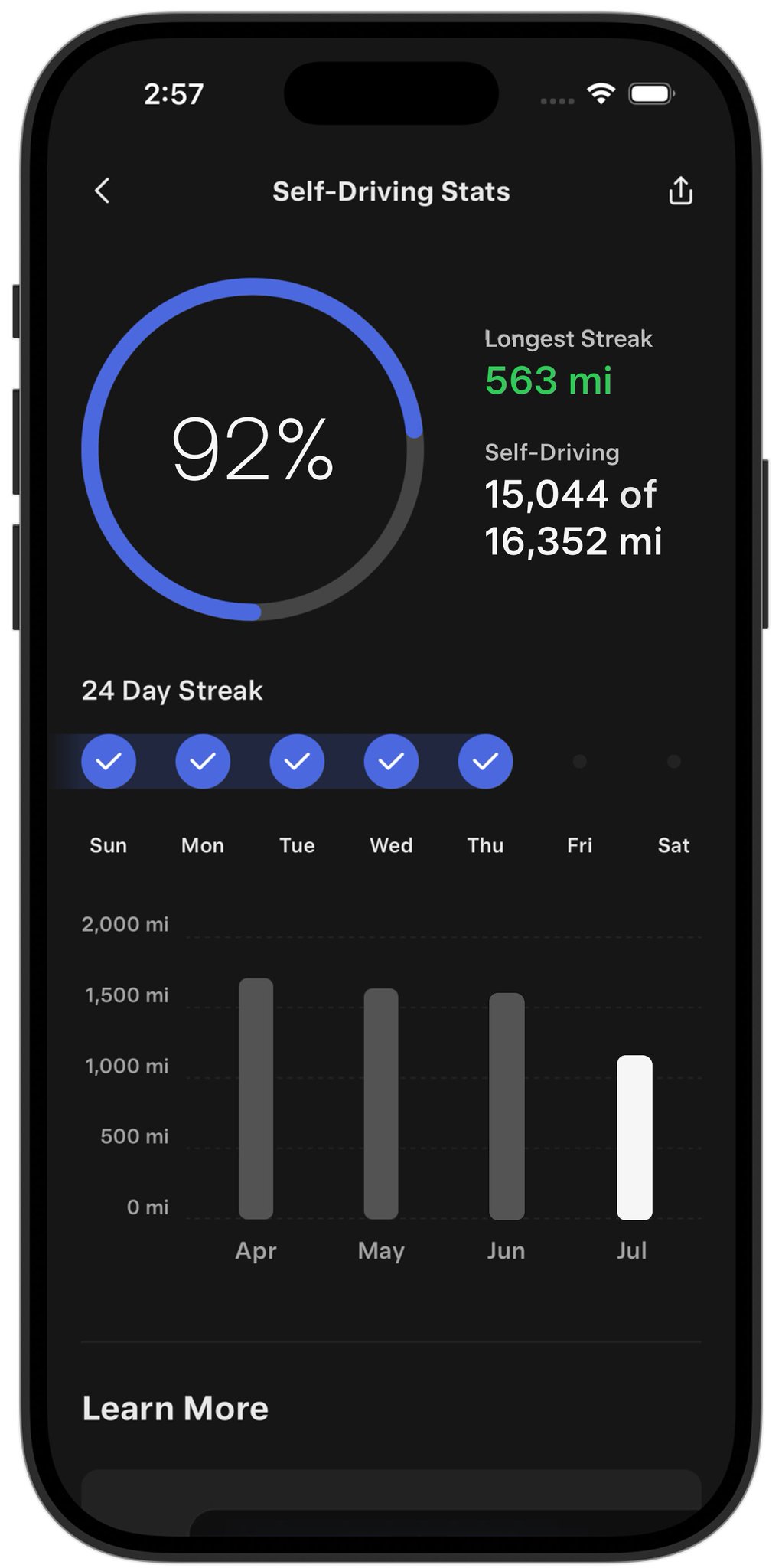
View and share self-driving stats from the mobile app.
Tesla already shows a running tally of miles driven on its “Self-Driving” system in the car. Now those numbers, including streaks and monthly mileage, live in the phone app where owners can screenshot and share them.
Caraoke with Scoring
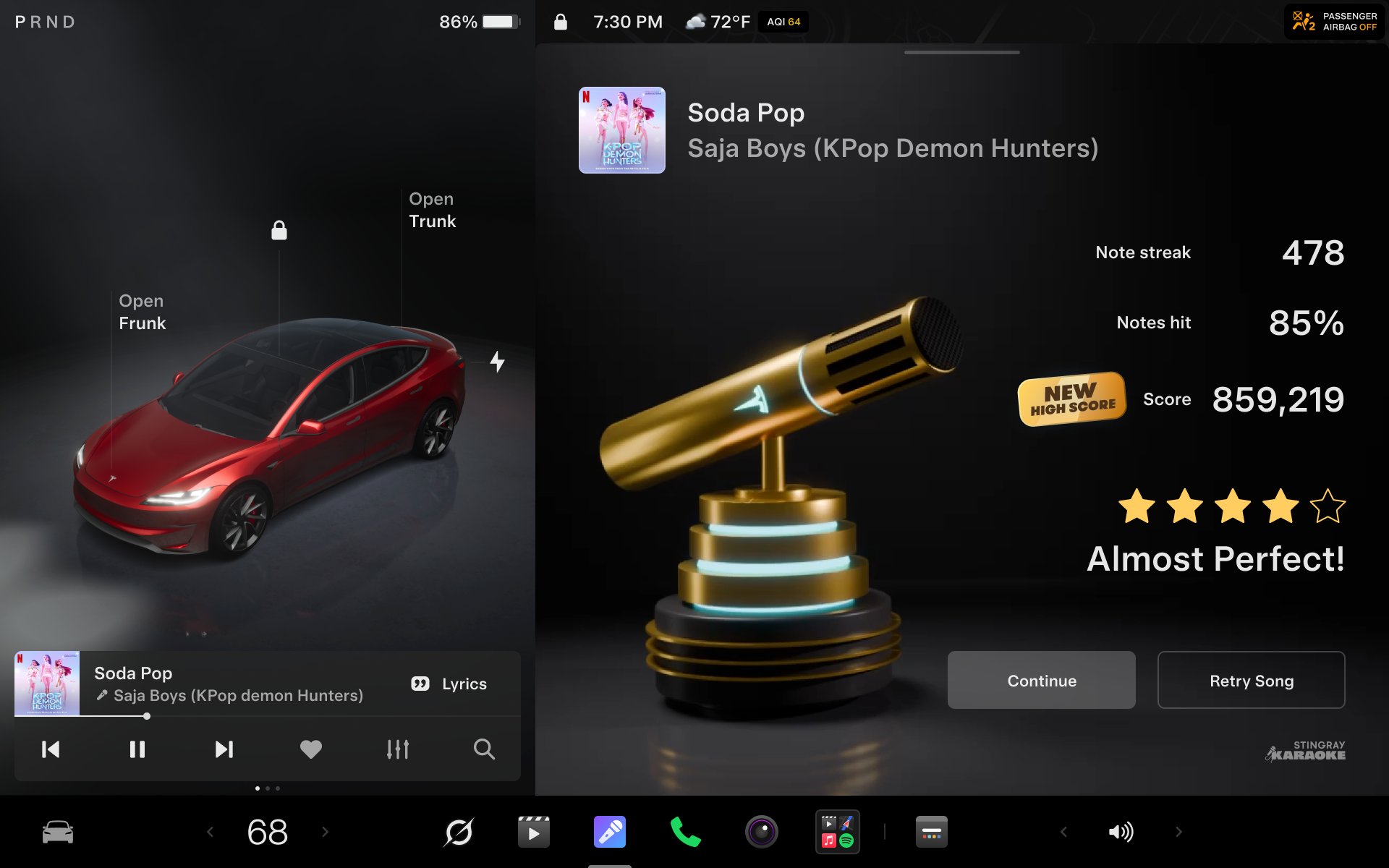
Caraoke now scores your singing while in Park. High scores are saved to your Tesla profile.
Caraoke isn’t new. Tesla added it back in the V10 update in 2019, and it’s locked to Park for obvious safety reasons. The 2026 version turns it into a game by scoring your performance and saving high scores to your driver profile.
Automatic Navigation
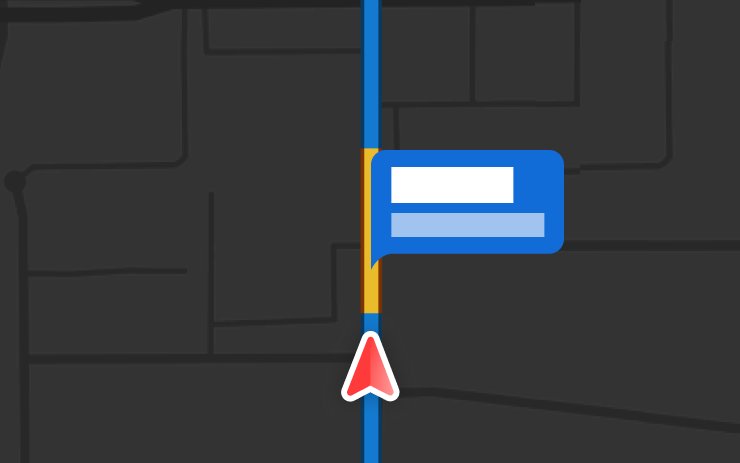
Automatic Navigation now adapts to your routine. In addition to Home, Work, and upcoming calendar events, your vehicle can now suggest and route to places you visit regularly – like a school drop-off on the way to work, or the gym on the way home.
Tesla’s navigation has predicted destinations from Home, Work, and calendar entries for a while. This expands the prediction model to recurring stops it learns from your driving pattern, so the car can offer a route before you enter one.
Preferred Routes
For more personalized experience, navigation now prioritizes routes that you’ve taken before.
Tied to the same routine-learning idea: when there’s more than one way to get somewhere, the system now leans toward the roads you actually use instead of the default fastest path.
Set Arrival Energy from Mobile App
Set your desired Arrival Energy from your phone.
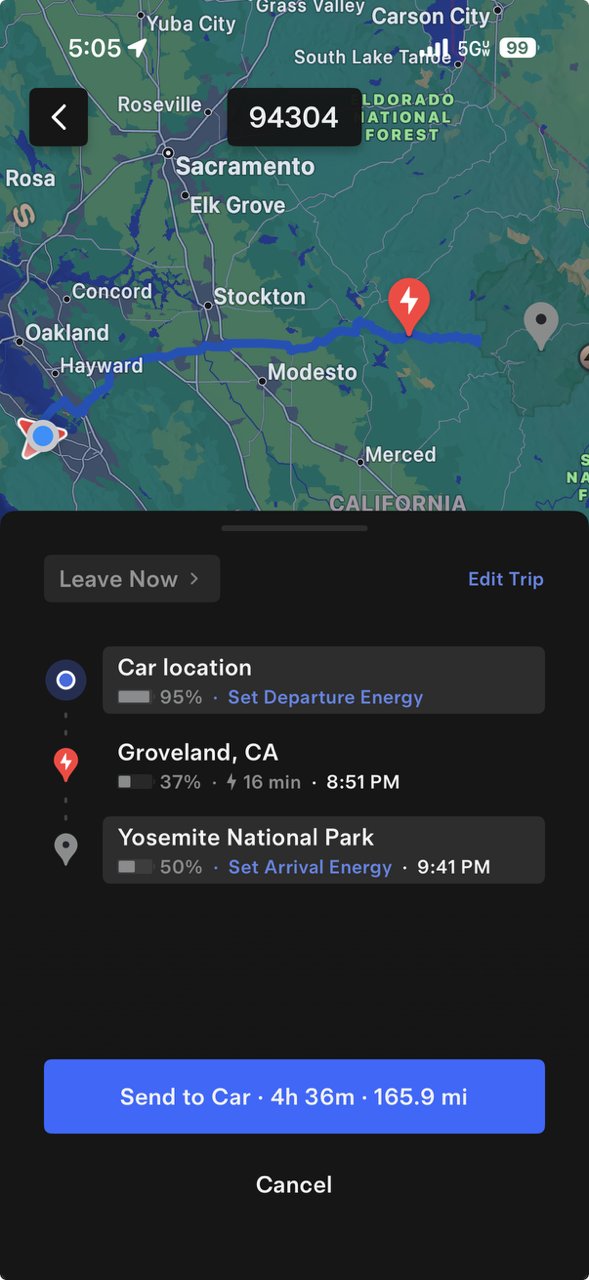
Tesla’s trip planner lets you pick how much battery you want left when you reach a destination — useful for planning charging on longer trips. That setting now moves to the phone app, so you can configure a trip before you get in the car.
Send Custom Wraps from Mobile App
Skip the USB drive and upload a custom wrap of your car from the mobile app. Instructions for creating a custom wrap here: https://github.com/teslamotors/custom-wraps
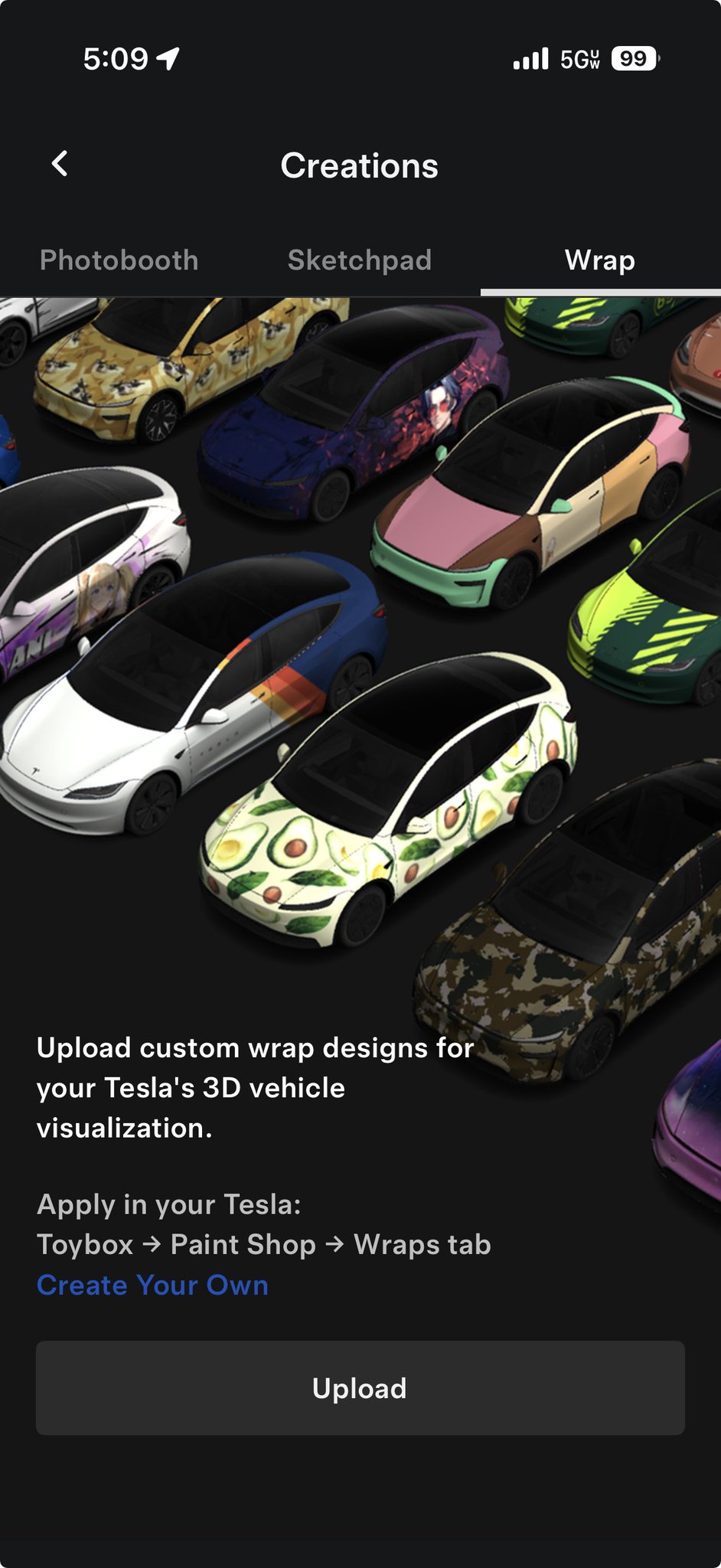
Tesla lets owners change the color and finish of the 3D car rendering on the screen, a feature it first opened up for people who wrap their cars in 2022. Loading a fully custom wrap used to mean copying files onto a USB drive. Now you upload it from the app, and Tesla maintains a public GitHub repository with the templates and instructions.
Rear Display Lock
Kids can watch content on the rear screen but only the front row can control it through the rear screen app.
A parental control for cars with a rear screen: back-seat passengers can watch, but only the front row can change what’s playing.
Top comment by zaphod beeblebrox
Forget all the other changes. I can now get a Caraoke score, to brag about with my friends! Tesla is truly at the pinnacle of EV development. LOL
Latest premium Model 3, Model Y, and Cybertruck are all equipped with rear screens.
Other Improvements
Tesla also listed a handful of smaller changes in the release notes:
- Find Superchargers by name when searching for a destination
- Add Apple Music songs to queue from search and artist page
- Set your preferred zoom level for the Self-Driving visualization
- Browser now supports camera and microphone
- Intro animations for new Model 3 and Y
The update is rolling out now. As always, Tesla releases software in waves, so it may take a few weeks to reach every vehicle. You can track versions and features on our Tesla software updates guide.
If you’re charging an EV at home, powering it with your own solar can cut the cost of those miles to nearly zero. With electricity rates up almost 10% last year and expected to keep climbing, going solar is one of the best ways to protect yourself against rising costs. And with lease and PPA options, you can do it with zero upfront cost and start saving immediately. If you want to find the best deal, check out EnergySage. It’s a free service with hundreds of pre-vetted installers competing for your business, so you save 20 to 30% compared to going it alone. No sales calls until you pick an installer. Get your free quotes here.
FTC: We use income earning auto affiliate links. More.


Comments